
A practical Cybersecurity Awareness Month guide to the everyday security gaps small businesses can miss, and what to check now.
Cybersecurity can sound like something meant for large companies
with dedicated IT departments, security teams, and complicated systems.
But for most small businesses, the risk usually shows up in much more ordinary ways.

A convincing email lands in someone’s inbox. An old employee still has access to an account. A password gets shared because it is easier. Backups were set up months ago, but nobody has checked them since.
October is Cybersecurity Awareness Month, which makes it a good time to question a few assumptions and make sure the basics protecting your business are actually being managed.
Here are six myths we still see regularly.
Myth 1: “We’re too small for anyone to target us.”
A small business may not feel like an obvious target, but many cyberattacks are not
aimed at one company at a time.
Phishing emails, stolen-password attempts, and automated attacks can reach thousands of businesses. An attacker does not need to know much about your company. They just need to find an account or system that is easier to get into than it should be.
The problem: Assuming your business is too small can mean basic protections never get the attention they need.
What to do:
- Turn on multi-factor authentication.
- Keep computers and software updated.
- Give employees individual accounts.
- Remove access when someone leaves.
Being small does not make the business invisible. It makes getting the basics right even more important.
Myth 2: “Our employees will recognize a phishing email.”
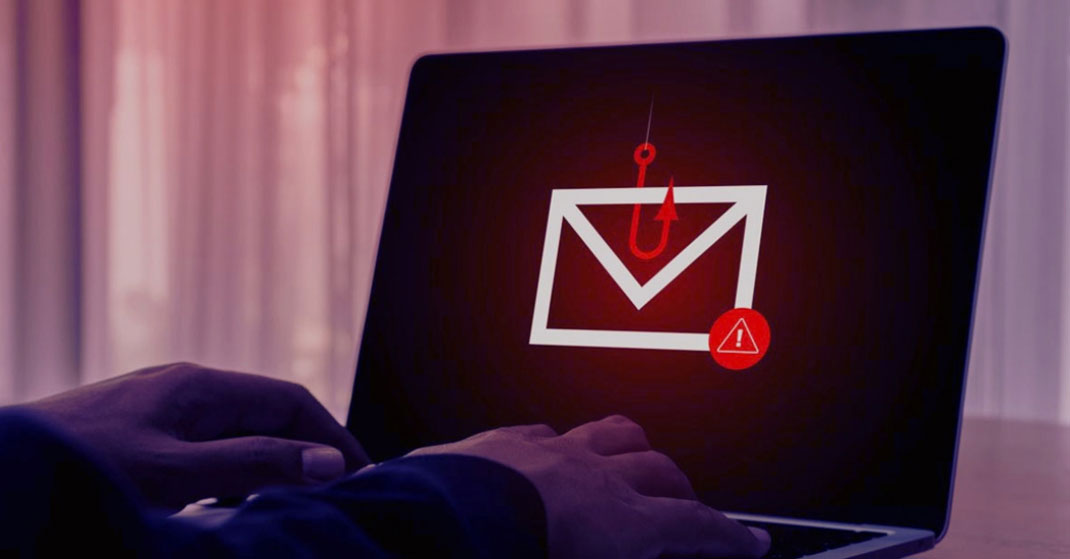
Some phishing emails are obvious. The dangerous ones often are not.
They can look like a Microsoft password reset, an invoice, a shared document, a delivery notice, or a message from someone your employee already knows.
And most people are opening these emails while answering calls, helping customers, processing paperwork, or trying to get through a full inbox.
The problem: A phishing attempt only needs one rushed click to expose a password or account.
What to do:
- Check the sender’s full email address.
- Be cautious with unexpected login or payment requests.
- Look at where a link actually leads before clicking.
- Verify unusual requests another way.
A professional-looking email can still be fake.
Myth 3: “We use MFA, so our accounts are protected.”
Multi-factor authentication is one of the best security steps a business can take, but it is not the whole plan.
Someone can still approve a login request they did not start. They can still enter credentials into a fake sign-in page. Reused passwords can still create problems across multiple accounts.
The problem: MFA can create a false sense that an account no longer needs other protections.
What to do:
- Use unique passwords for business accounts.
- Use a secure password manager.
- Monitor accounts and permissions.
- Never approve an MFA request you did not initiate.
MFA adds an important layer. It should not be the only layer.
Myth 4: “We have backups, so we’re covered.”
Having backups is good.
Knowing they will work when you need them is better.
We often see businesses that know a backup system exists but are less certain about what it covers, whether it has been running successfully, or when anything was last restored from it.
The problem: Backups can fail quietly, and nobody may notice until something needs to be recovered.
What to do:
- Know exactly what is being backed up.
- Check that backups are completing successfully.
- Know who is monitoring failures.
- Test that important files can actually be restored.
The first time you test your backup should not be when you urgently need it.
Myth 5: “Cybersecurity is something IT handles.”
Your IT provider should be managing a lot behind the scenes: updates, security tools, backups, devices, and the network.
But technology cannot control every decision someone makes during the workday.
A shared password, unexpected attachment, fake login page, or accidental MFA approval can still create an opening.
The problem: Good security tools work best when employees also know when something deserves a second look.
What to do:
- Teach employees what suspicious requests look like.
- Make it clear who they should contact when something feels wrong.
- Do not share passwords.
- Report mistakes quickly instead of trying to fix them alone.
Your staff does not need to become cybersecurity experts. They just need to know when to stop and ask.
Myth 6: “If something happens, we’ll figure it out.”
That plan usually feels fine until several people suddenly cannot access files or someone realizes an account may have been compromised.
Then the questions start.
Who calls IT? Should the affected computer be disconnected? Can employees keep working? Are backups available? Who needs to be notified?
That is not the best time to make those decisions for the first time.
The problem: Without a basic response plan, people make their own decisions and recovery can become slower and more confusing.
What to do:
- Decide who employees contact first.
- Define what employees should and should not do.
- Keep recovery and backup information accessible.
- Know who handles outside communication if needed.
Your cybersecurity response should already exist before you have to use it.